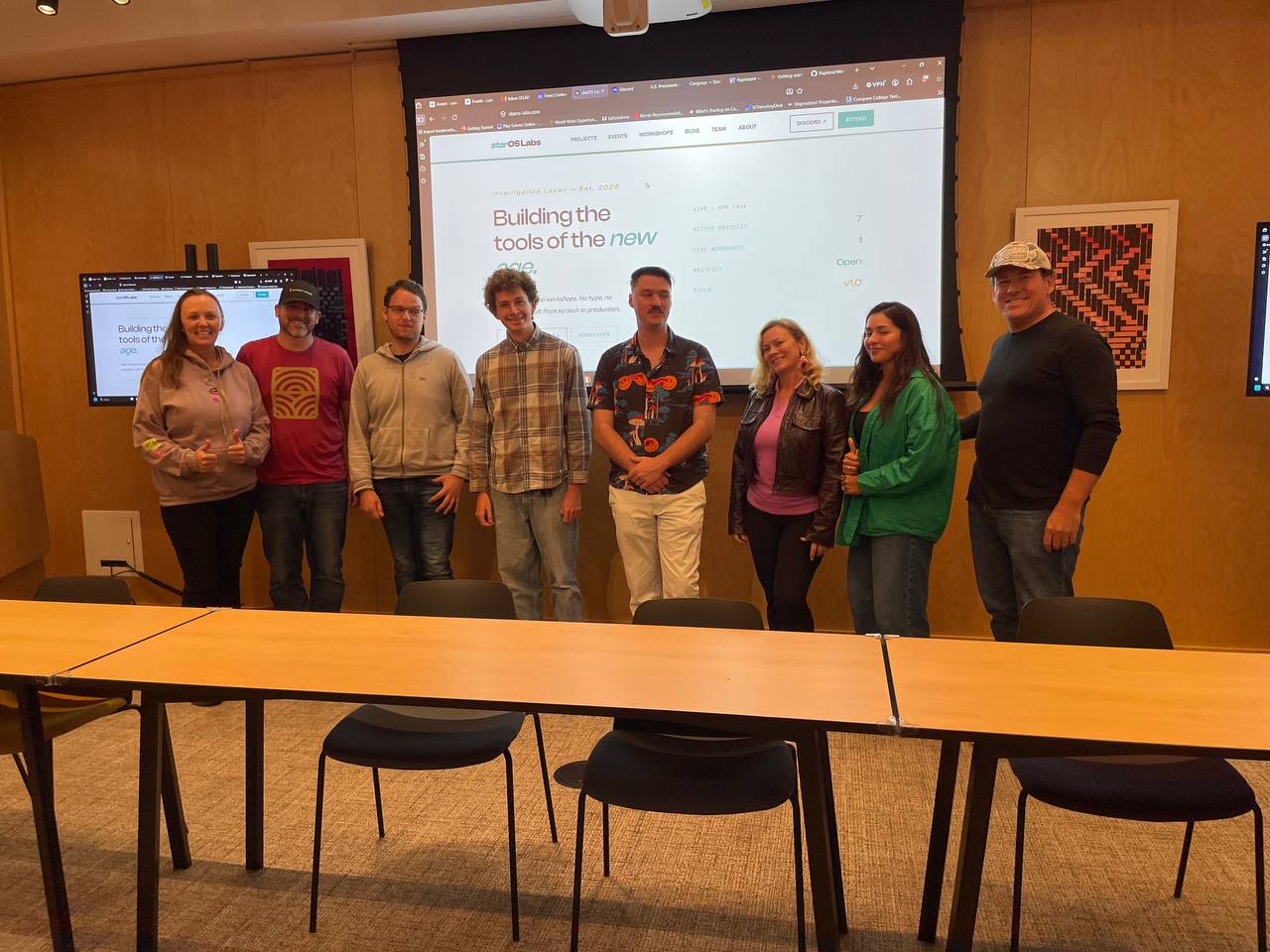
Workshop #5 is in the books — and this one was at Google.
Attendance was the best we've had. A full room, the right energy, and a venue that set the tone. The goal for the session was simple: get people hands-on with Claude CLI, from a cold install all the way to using it like a systems administrator.
The Session
We started where it actually matters — setup. Getting Claude Code installed, authenticated, and running on each person's own machine. No skipping the unglamorous part, because the unglamorous part is where most people get stuck.
From there we moved into using it as a systems admin: driving the terminal, managing files and processes, and treating the CLI as the control surface for real work — not a chatbot in a box. Once people saw Claude operating *inside* their environment instead of just answering questions, it clicked.
Zero to Shipping in 30 Seconds
The moment that landed hardest: we sat down with someone non-technical and had them produce a ranked list of U.S. presidents — researched, structured, and output — in about 30 seconds. No code written by hand. Just the right prompt and Claude doing the work.
That's the entire pitch in one demo. The barrier to building isn't technical skill anymore — it's knowing what to ask.
Real Work: Automating starscout
Then we got into production. We worked on a co-founder's starscout platform live, using Claude CLI to automate processes that had been manual. Real repo, real problem, real automation — built in the room.
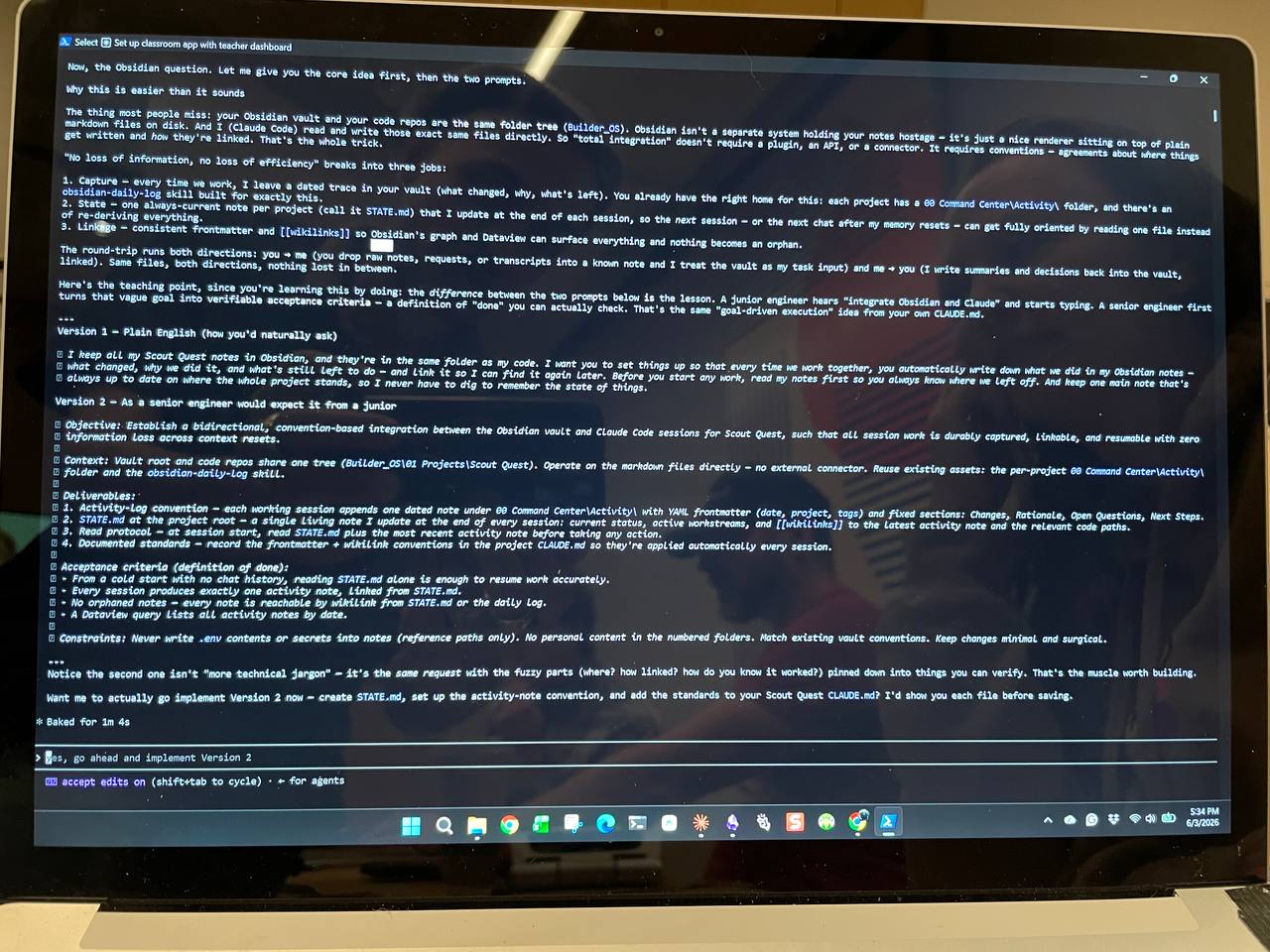
This is the part that separates a workshop from a webinar. Nobody watched a slideshow. People sat in front of a terminal, pointed Claude at something that mattered to them, and walked out with it working.
The Google Space
Working in the Google space was excellent — the room, the setup, and the people who showed up to build. We're grateful for the venue and the turnout, and we're already looking forward to being back in the area.
Highlights reel above — the moments that mattered from the session.
Workshop #6 is next. See you there.